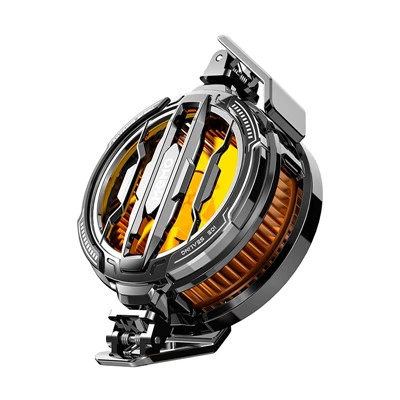
1. First, let's turn on the Bluetooth remote control of the VR glasses.
2. There will be an icon similar to the switch key on the VR glasses Bluetooth remote control. Press the icon for 1 to 3 seconds and the remote control will light up the indicator light. After the indicator light is on, it means the VR glasses Bluetooth remote control. Has been successfully opened.
3. After successfully turning on the Bluetooth remote control of the VR glasses, take out your mobile phone, turn on the Bluetooth, and then wait a few seconds, because at this time Bluetooth is searching for a model that can be paired.
4. Find the model of the Bluetooth handle of the VR glasses, and then tap it lightly, and it will be successfully paired. After the pairing is successful, you can use it directly.
Precautions for the connection of the VR glasses Bluetooth handle remote control
1. Please make sure that the battery is installed correctly and that the battery power is sufficient (many users are so impatient that they forget to install the battery and start to press the switch)
2. Please make sure that the connected Bluetooth is the handle icon and the name is Zeemote JS1 V3 (some users’ mobile phones are 0f:45:gg:6y:ss and other prompts)
What to do if there is a problem with the connection of the VR glasses Bluetooth handle remote control
1. Disconnect the Bluetooth on the mobile phone system.
2. Exit the corresponding APP, and then kill the corresponding APP process in the background.
3. Turn on the Bluetooth remote control, turn on the system Bluetooth to pair the remote control.
4. After the pairing is successful, open the corresponding APP.
If it doesn't work, try again and again, and you will always get a hit. After some users restart their phones, repeat the above steps to connect normally.